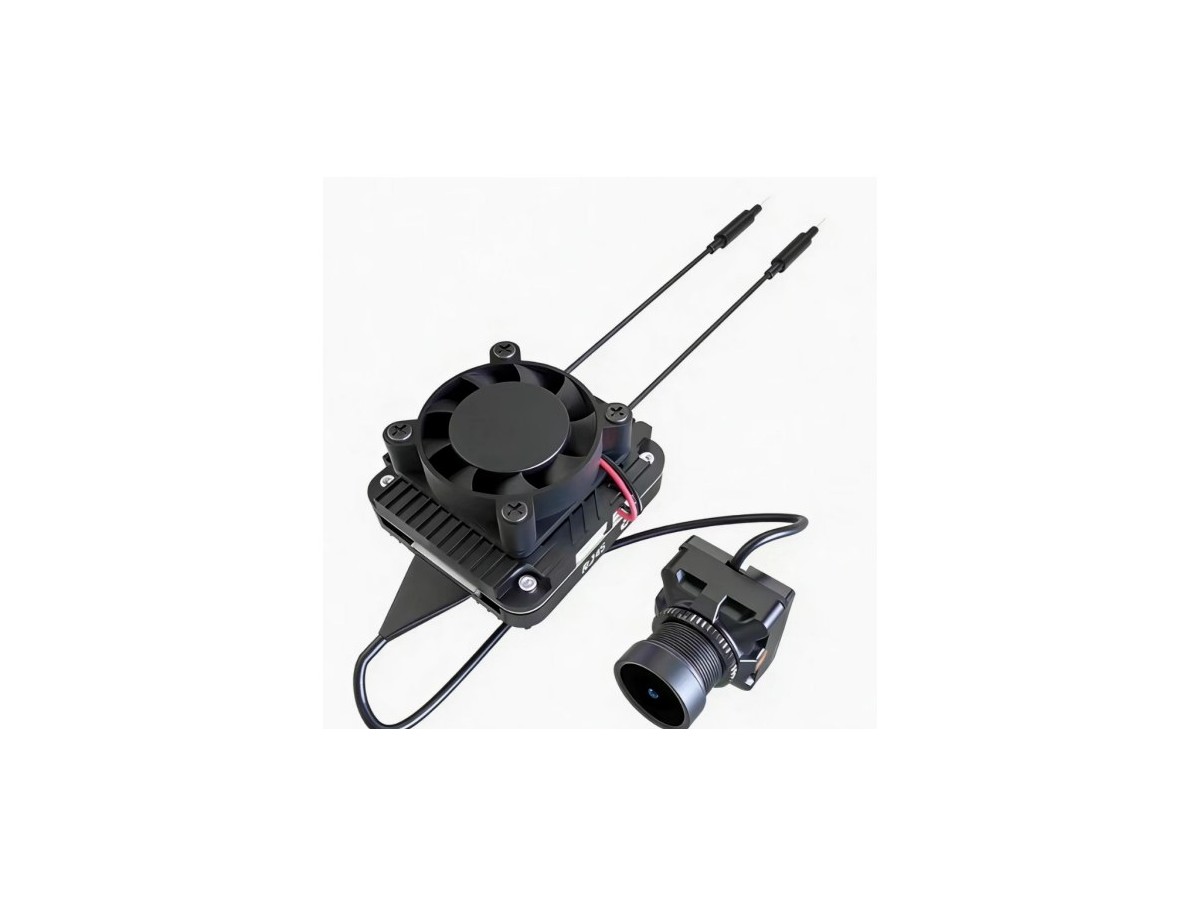
Pixel count, frame rate, compression and radio capacity together determine useful video performance.
4K, 90 fps and Mbps: why resolution alone cannot describe a video link
4K states image dimensions, not the bitrate required to send the picture or the time before it appears. More pixels can reveal more detail when the lens, sensor and image pipeline resolve it. Frame rate describes how frequently a new image is sampled: 30 fps corresponds to about 33.3 ms per frame, 60 fps to 16.7 ms and 90 fps to 11.1 ms.
Uncompressed 1080p60 at 24 bits per pixel contains almost 3 Gbit of pixel data per second, and 4K30 nearly 6 Gbit/s. These are raw-image calculations, not wireless bitrates. Compression makes practical video links possible.
Compression and the radio link
H.265 can reduce bitrate for a given image-quality target, but its benefit depends on motion, encoder settings and buffering. Fast-moving scenes are harder to compress than static ones. Advertised peak radio throughput is not the same as sustainable video capacity. Protocol overhead, interference and retransmissions reduce usable capacity. When peak bitrate approaches available throughput, stalls or sudden quality reductions can follow.
Compare modes fairly
Record resolution, frame rate, codec, average and peak bitrate, receiver settings and camera-to-screen delay. 1080p90 may offer more responsive motion than 4K30, while 4K30 can better support detailed observation. Choose according to the task and measured link margin, not resolution alone.